Make it yours
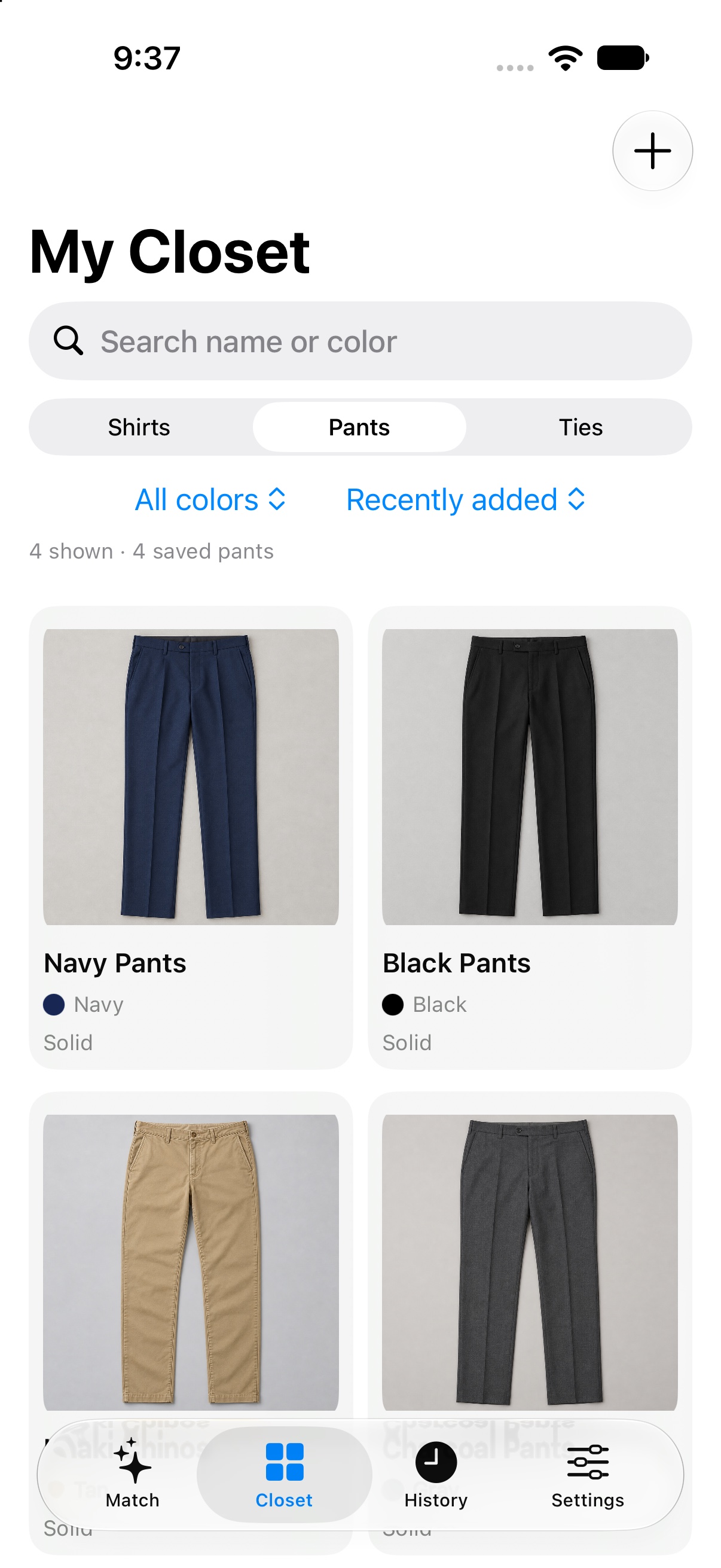
Photograph or import your shirts, pants, and ties. Preview a clean background cutout, then review colors and patterns.
A little more considered, every morning
Match My Tie brings your shirts, pants, and ties together—so getting dressed well takes a little less guesswork.

Photograph the pieces you wear. When morning comes, choose a shirt and pants. Match My Tie brings your own ties into the picture—with a ranked shortlist and the reason behind each one.
Take a closer lookNot just a score
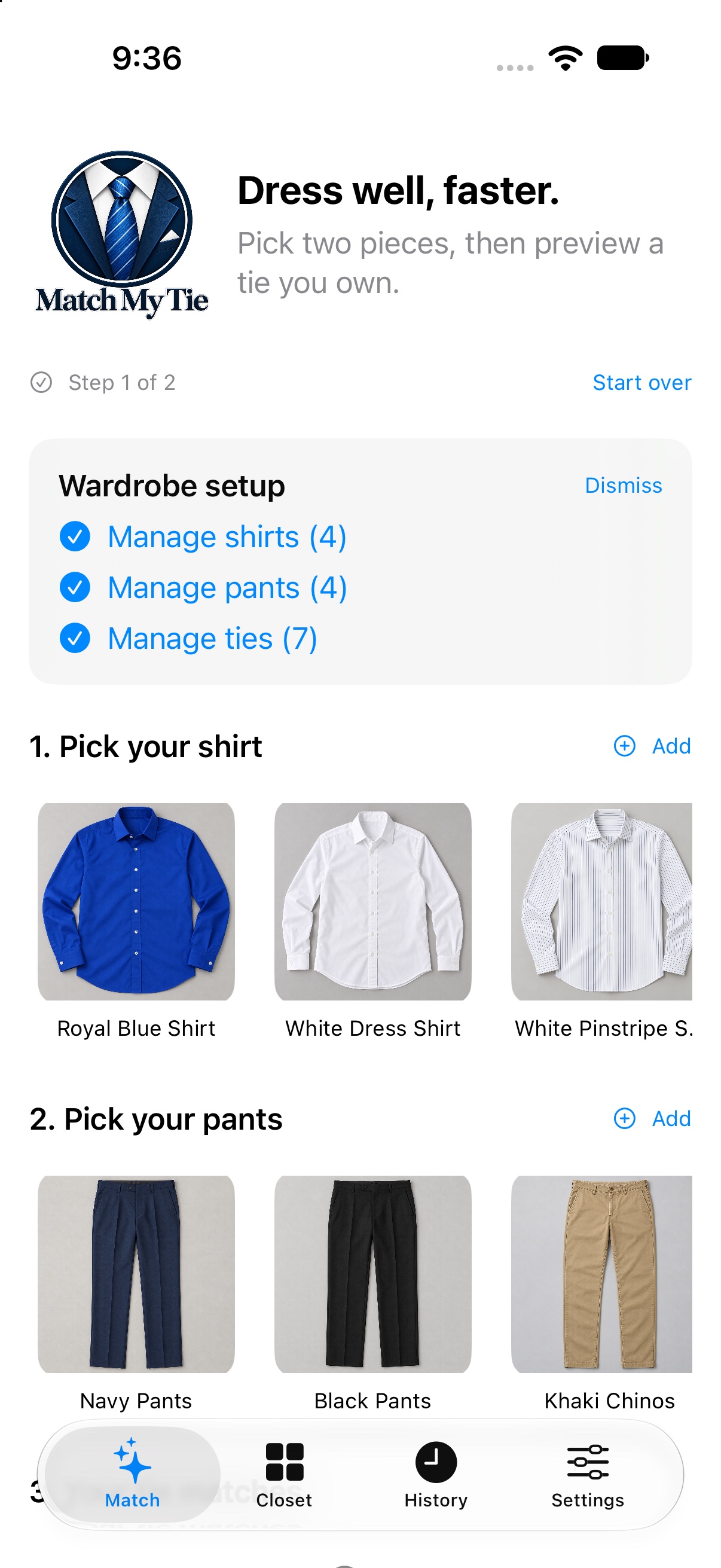
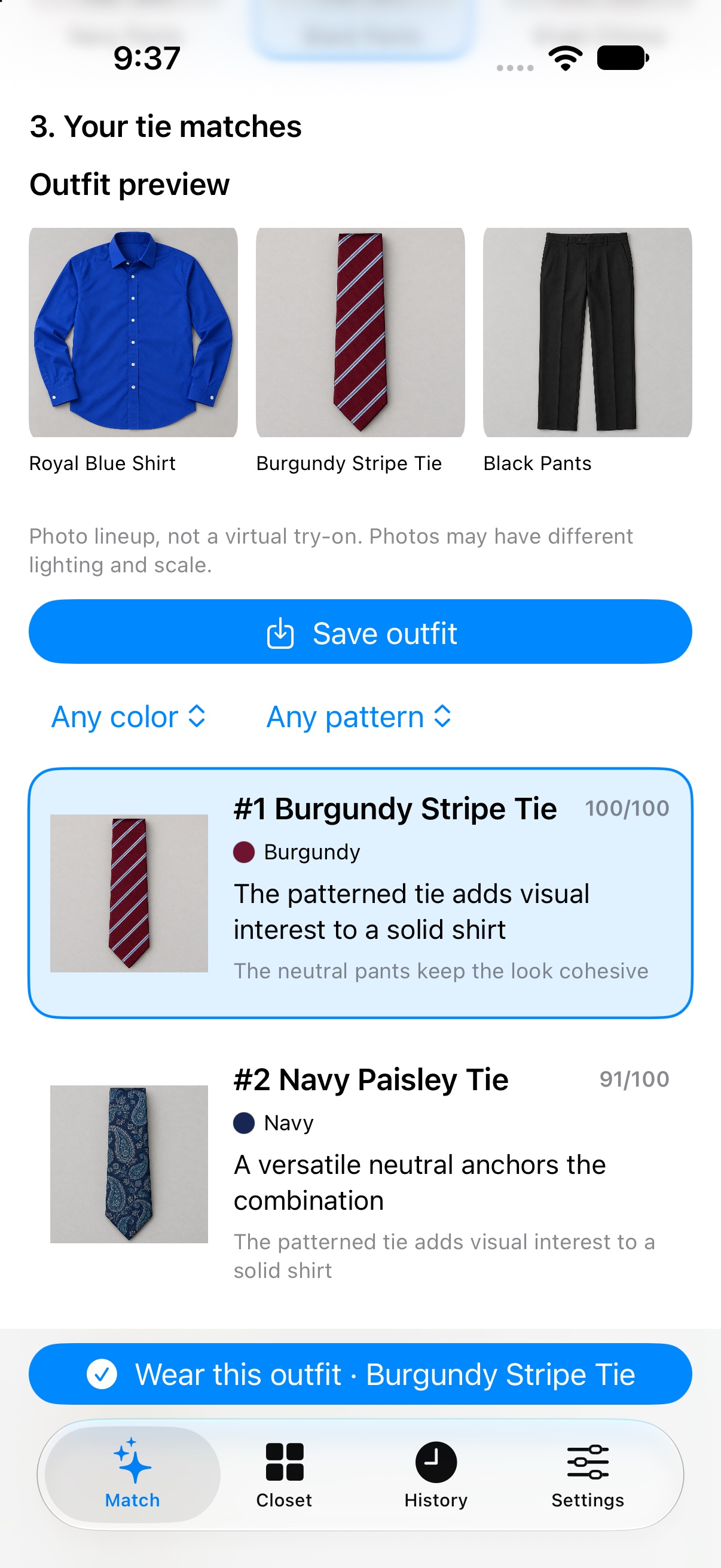
Every recommendation comes with a plain-language reason. These are real screens from Match My Tie: choose your shirt and pants, then compare ties from your own closet.
Set it up once. Come back to a more considered choice whenever you need one.
Photograph or import your shirts, pants, and ties. Preview a clean background cutout, then review colors and patterns.
Start with the shirt and pants you want to wear. Your saved ties are ranked with useful notes about the pairing.
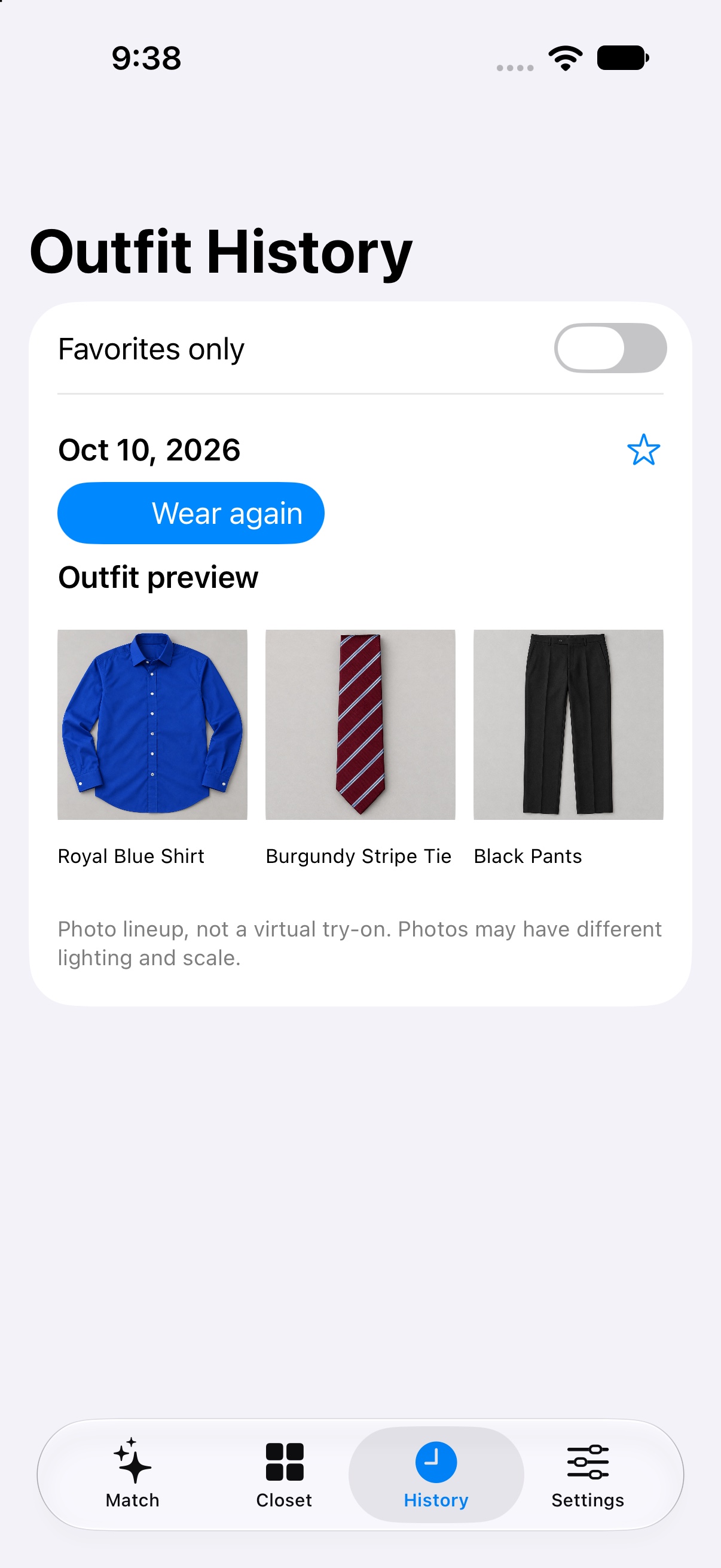
Keep outfit combinations in your history, favorite the ones you love, or let the home-screen widget open Match in a tap.
One less thing to set up
Take or import a photo of a shirt, pants, or tie. Match My Tie removes the background on your iPhone and shows you the result before you save it.
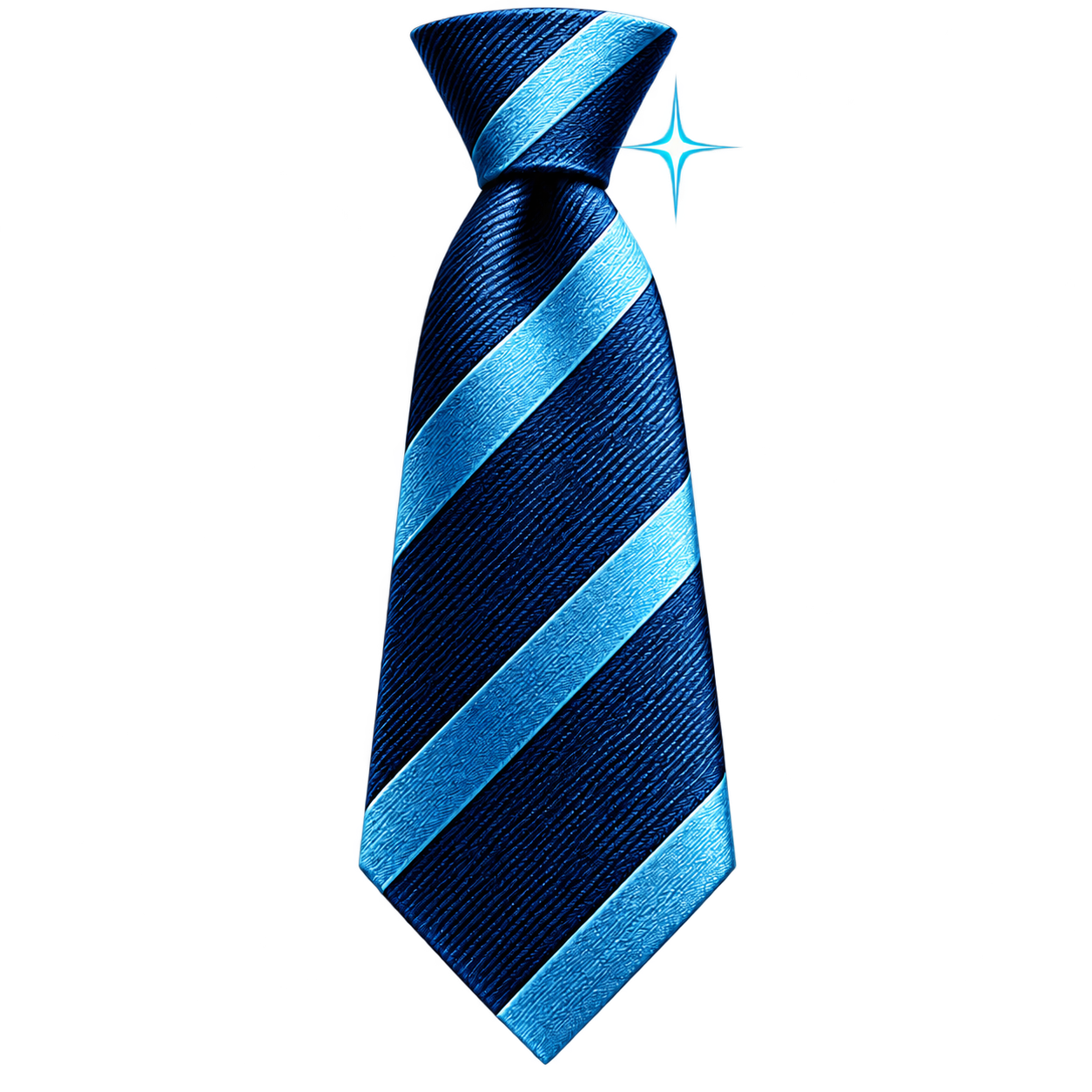
Cutout view: the background is removed.
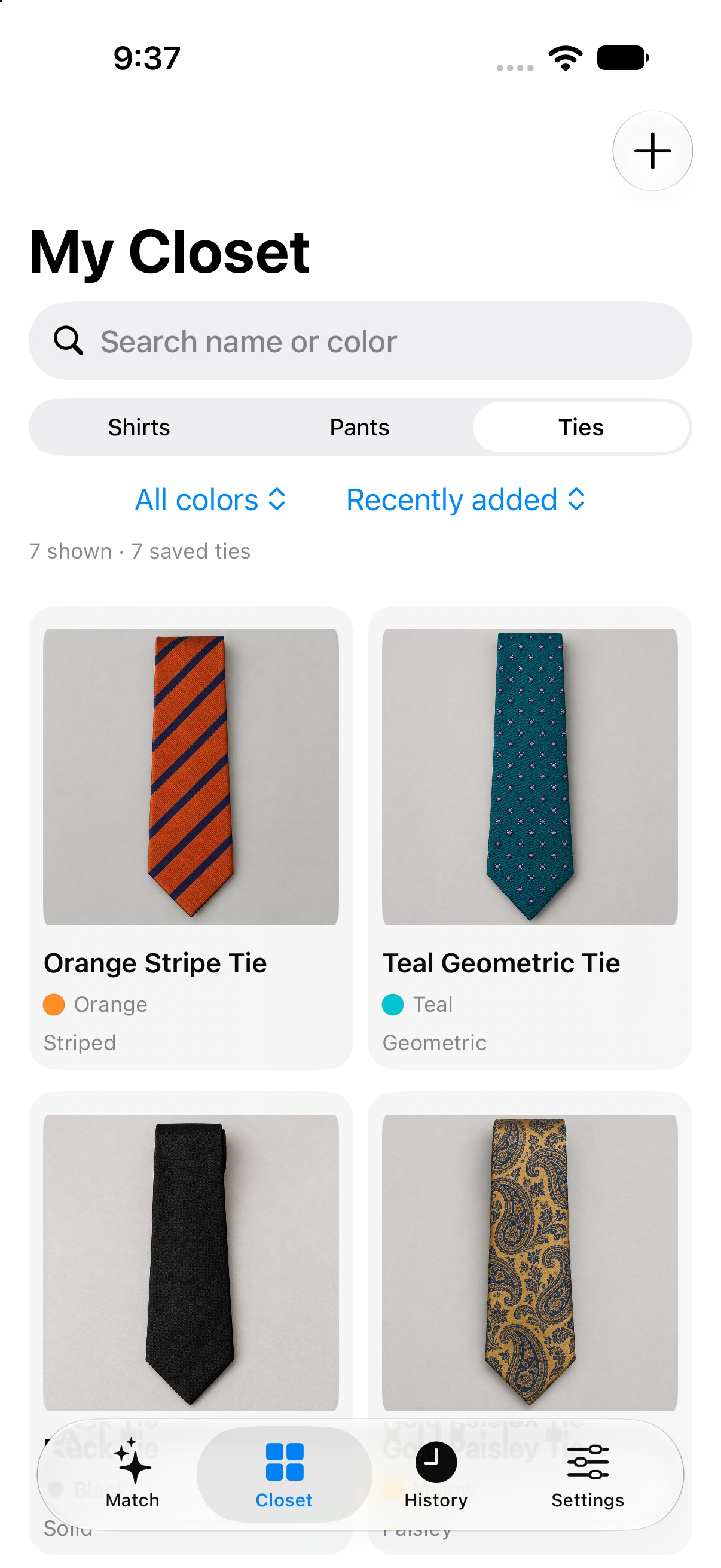
Browse your pieces, see why a tie works, and save combinations you want to wear again.
Swipe to explore the app
Your garment photos, cutouts, wardrobe, outfit history, and preferences are stored on your iPhone. Background removal and matching run locally, so the app works offline and doesn’t need an account, cloud upload, API key, or subscription.
A thoughtful start to the day